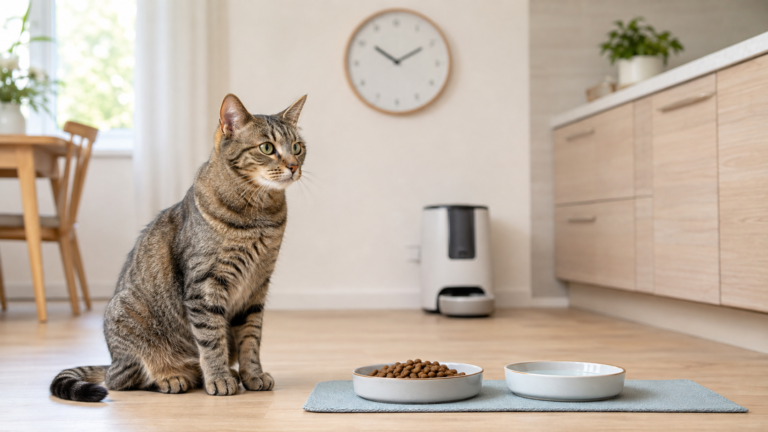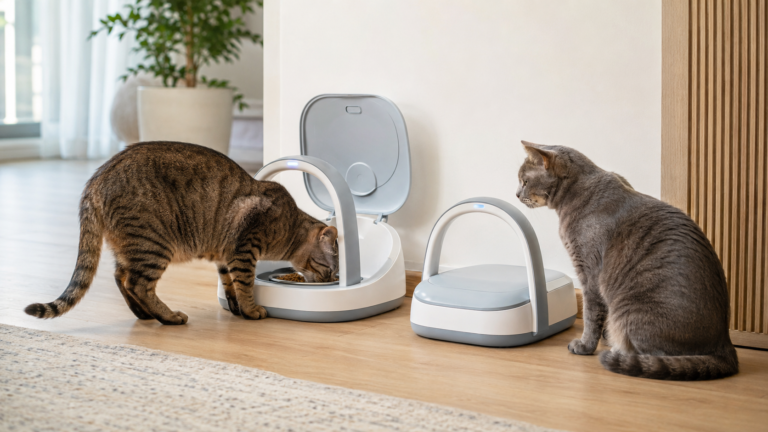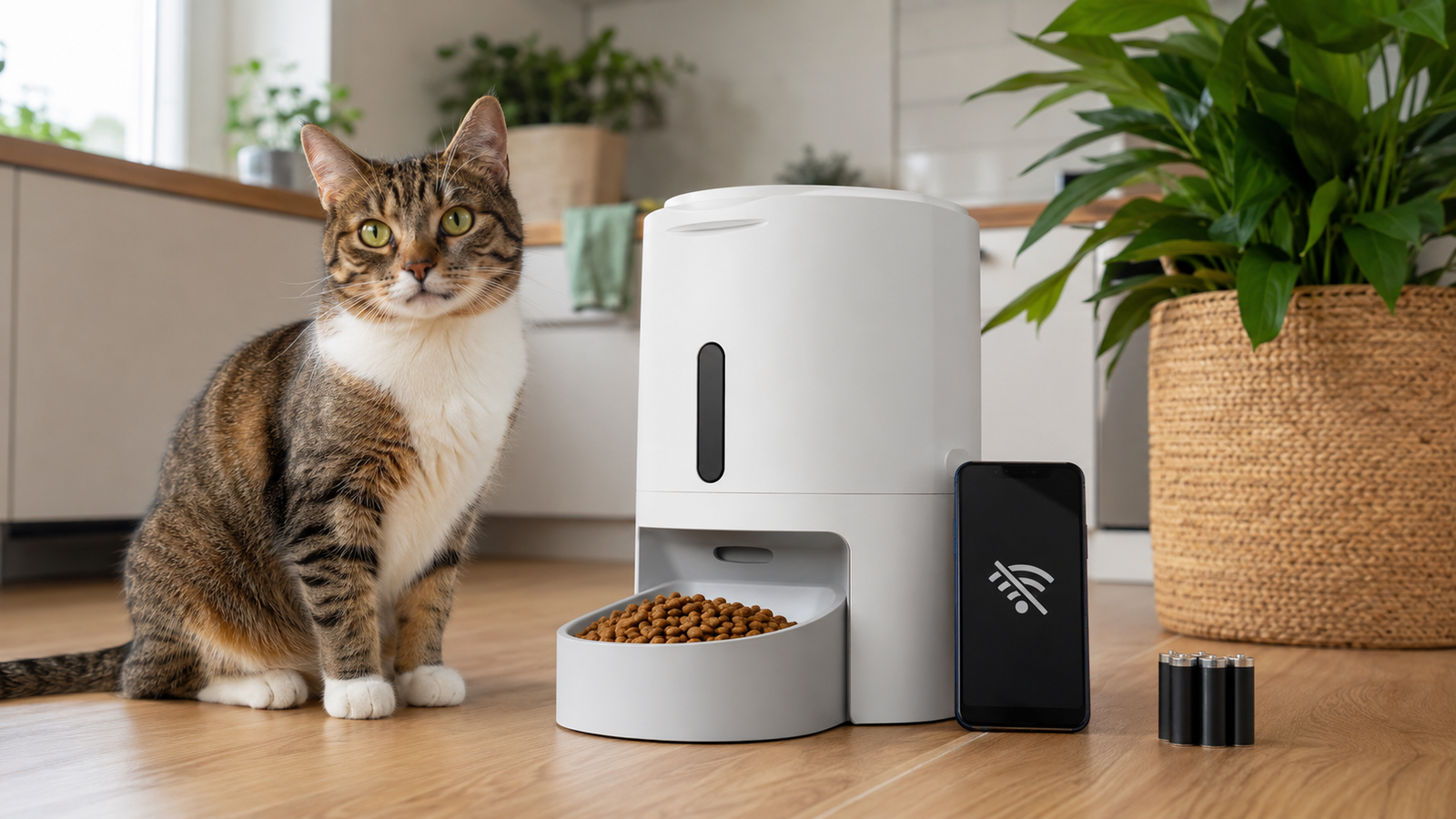
If your router goes down or the feeder’s app stops loading, the question that matters is simple: will your pet still get fed?
The answer depends less on “Wi-Fi or no Wi-Fi” and more on two separate factors: whether the feeding schedule is stored locally inside the device, and whether the feeder still has electrical or battery power.
An automatic pet feeder without Wi-Fi access may continue dispensing previously programmed meals. However, remote controls, alerts, camera viewing, and feeding-history updates may become unavailable. A power outage is different because the feeder also needs a working backup power source.
The safest approach is not to rely on a general promise that a feeder “works offline.” Check the instructions for your exact model and test both Wi-Fi loss and mains-power loss while you are still at home.
Quick Answer: Will an Automatic Pet Feeder Work Without Wi-Fi?
Many automatic pet feeders can continue dispensing previously programmed meals without Wi-Fi because the schedule is stored inside the feeder. However, this is model-specific. Features that depend on the internet—such as remote feeding, app notifications, camera access, feeding-history synchronization, and schedule changes—may stop until the connection returns.
If electricity also fails, the feeder will continue only if it has a functioning battery backup or another manufacturer-approved power source. Never assume that batteries are included, installed, charged, or capable of supporting every smart feature.
If you want an automatic feeder that does not require Wi-Fi at all, choose a non-Wi-Fi model with schedules programmed directly on the feeder. These feeders can automate meal timing without an app or internet connection, although they do not provide remote controls, cloud-based alerts, or other connected features.
Key Takeaways
- Wi-Fi loss and power loss are different problems. A feeder may continue locally stored schedules without internet, but it cannot dispense without a suitable power source.
- Non-Wi-Fi and offline are not the same thing. A non-Wi-Fi feeder is designed to operate without internet connectivity, while a Wi-Fi feeder may only retain certain functions when its connection is lost.
- “Works offline” is a model-specific claim. Check the manual or official support page for your exact feeder.
- Backup batteries have limits. They may support scheduled feeding for a limited period without powering every smart feature.
- Test before depending on the feeder. Simulate Wi-Fi loss and mains-power loss while you are home, then confirm that food actually reaches the bowl.
- A feeder is a support tool, not a caregiver. Keep a human backup plan, especially for pets with medical, dietary, or medication needs.
Wi-Fi Failure, Server Outage and Power Failure Are Not the Same
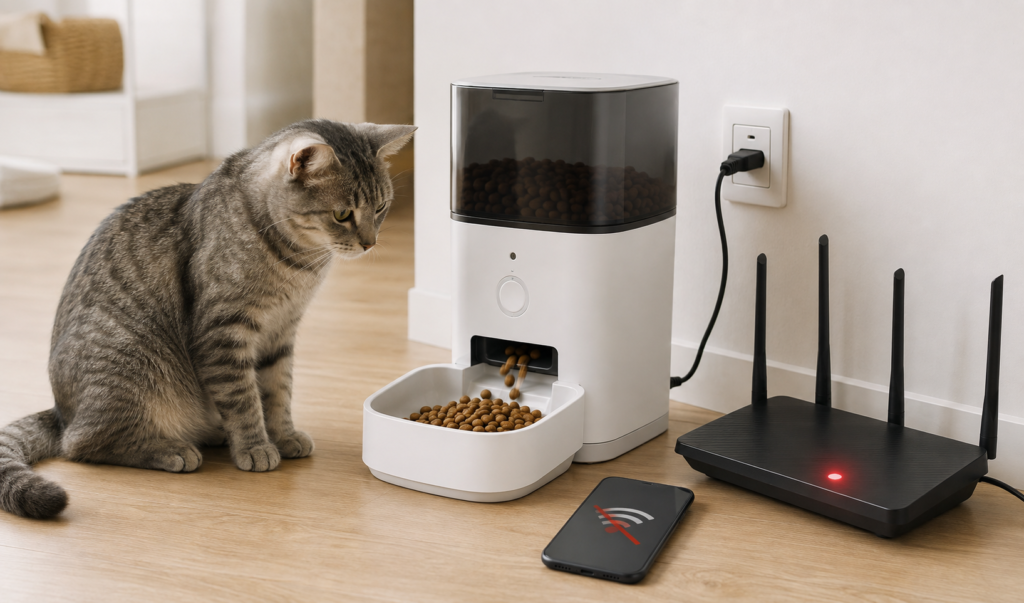
Owners sometimes use the term “offline” for several different feeder situations. From the feeder’s perspective, however, Wi-Fi failure, server outage, and power failure are different problems.
| Situation | What may continue | What may become unavailable | What the feeder still needs |
|---|---|---|---|
| Home Wi-Fi or internet failure | Schedules already saved locally | Remote controls, alerts, camera viewing, and data syncing | Electrical or battery power |
| Manufacturer app or server outage | Local schedules, depending on the model | Cloud-dependent app commands and account features | Power and functioning local programming |
| Electricity failure | Scheduled feeding if suitable backup power is active | Power-intensive features may be reduced or unavailable | Charged internal battery or fresh approved batteries |
| Non-Wi-Fi feeder used normally | On-device schedules and manual controls supported by the model | App, remote controls, cloud alerts, and other connected features the model does not provide | Electrical or battery power |
Wi-Fi failure and internet failure are not exactly the same. Your router may still create a working home Wi-Fi network even when your internet service is down, while a router failure can disconnect the feeder from the local network entirely. Whether scheduled meals continue in either situation depends mainly on where the schedule is stored and whether the feeder still has power.
Understanding this distinction helps you test the right failure and prepare an appropriate backup plan.
What Happens When an Automatic Feeder Loses Wi-Fi?
A Wi-Fi feeder normally uses the internet to communicate with its mobile app. This lets an owner create or change schedules, dispense an extra portion remotely, receive alerts, view a camera, or review feeding records.
Once a feeding schedule has been transferred to the feeder, some models store it in local memory. These feeders can use their internal clock and saved instructions to dispense meals without contacting the app for every feeding.
For example, PETLIBRO’s feeder support guidance states that schedules saved locally do not depend on the network. When the feeder is offline, saved plans should continue, while remote control and data synchronization resume after reconnection. PetSafe’s Smart Feed support page similarly says that an offline feeder continues previously scheduled feedings if it still has power.
These examples should not be treated as a promise for every feeder. Designs, firmware, and offline capabilities differ. Some products may require an internet connection during initial setup, and some app-dependent commands may not be stored locally.
A feeder that works offline after setup is not necessarily a feeder that can be set up without Wi-Fi. Some smart models may require an app, account, or internet connection to register the device, set its clock, create the initial schedule, or change settings later.
Functions that may continue offline
Depending on the model, an offline feeder may retain:
- Previously saved feeding times
- Previously saved portion settings
- Its internal clock
- The physical manual-feed button
- A recorded meal call
- Local jam detection or other on-device safeguards
Functions that may stop offline
Internet-dependent functions commonly include:
- Changing the schedule from a phone
- Using a remote “Feed Now” command
- Receiving low-food, jam, or missed-meal alerts
- Live camera viewing
- Two-way audio
- Uploading feeding records
- Cloud-based pet recognition or analysis
- Sharing current feeder status with other app users
The exact combination varies. Consult the user manual and official support information for your model rather than assuming all smart features will continue.
What If the Manufacturer’s App or Online Service Is Unavailable?
A feeder can remain connected to your home Wi-Fi while its app or cloud service is unavailable. In that situation, your router may be working normally, but the phone cannot communicate with the feeder through the manufacturer’s servers.
This distinction became especially visible during a PETLIBRO app outage in August 2026. In its official update, PETLIBRO said the outage began on Tuesday, August 11, and was fully resolved by Wednesday evening, August 12. The company also said it would continue reviewing reports that some devices did not carry out routines as expected. Independent reporting from The Verge noted that app-dependent functions were disrupted and that some owners reported missed scheduled feedings.
If a connected feeder or its app suddenly stops responding, check the manufacturer’s official service-status or support page before assuming that the problem is with your home Wi‑Fi or the feeder itself. After service is restored, verify every saved schedule and perform a supervised test dispense.
The lesson is broader than one company: locally stored programming can reduce cloud dependence, but no connected device should be considered failure-proof. A feeder’s marketing description, normal online operation, and actual behavior during a service outage are not always the same thing.
When choosing or testing a feeder, ask:
- Is the complete schedule stored on the device?
- Does feeding continue if the app account cannot be reached?
- Can a meal be dispensed using a physical button?
- Will missed records sync after reconnection?
- Does the feeder clearly indicate an offline or error state?
These questions are particularly important if the feeder will be used while you are away.
What Happens During a Power Outage?
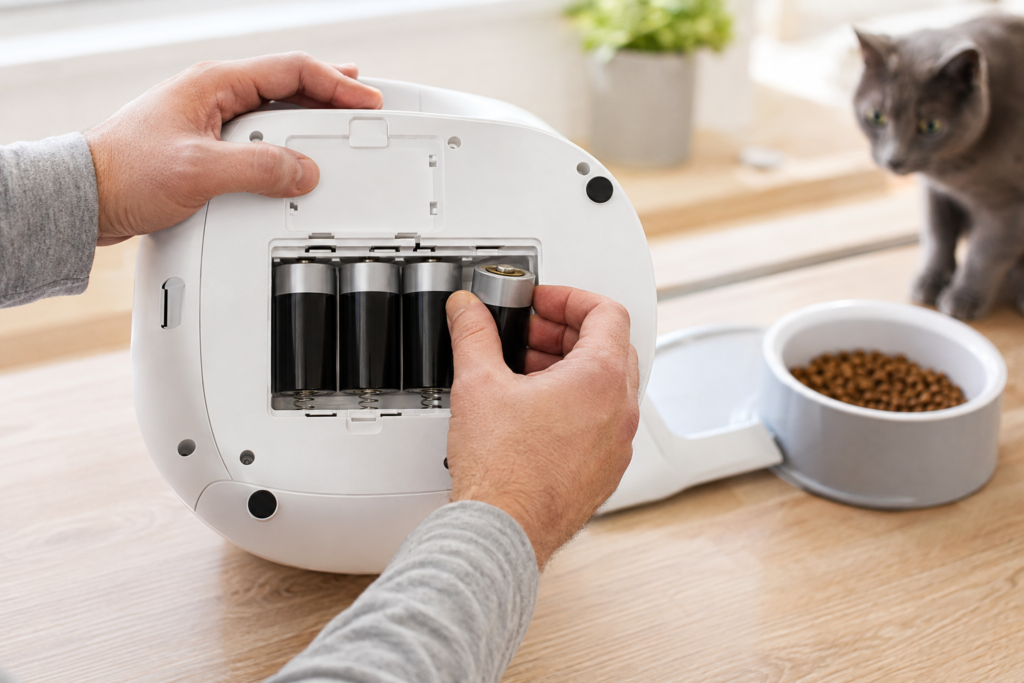
Losing electricity is more serious than losing Wi-Fi. Even a feeder with a locally stored schedule cannot operate its motor, open a compartment, or run its electronics without power.
Common power arrangements include:
- A mains adapter only
- A mains adapter with replaceable backup batteries
- A mains adapter with a built-in rechargeable backup battery
- Primary battery operation
Some feeders automatically switch to batteries when mains power fails. Others use batteries mainly to preserve the clock or schedule rather than operate every feature.
Check specifically whether the backup batteries can operate the dispensing motor and complete scheduled meals. A feeder that merely preserves its clock or settings during an outage does not provide the same protection as one that can actually dispense food on backup power. Camera streaming, Wi-Fi communication, refrigeration, and other high-power functions may have different limitations.
For example, the PetSafe Smart Feed includes an AC adapter and supports four D batteries as a backup option; the batteries are not included. The PETLIBRO Granary 2 Series uses built-in rechargeable backup batteries. PETLIBRO lists up to 24 hours for the Granary 2 and up to 48 hours for the Granary 2 Vision, Vision Duo, and X, while noting that the battery is intended for emergency backup rather than primary power. These model-specific figures should be treated as estimates, not universal promises.
Backup power is not the same as unlimited operation
Battery performance can be affected by:
- Battery type and quality
- Remaining charge
- Battery age
- Number of daily dispensing cycles
- Portion size and motor load
- Wi-Fi, camera, and other electronic activity
- Ambient conditions
- The feeder’s design and firmware
Manufacturer battery-duration figures are normally measured under particular test conditions. Treat them as estimates, not guarantees.
Do Automatic Feeders Remember Their Schedule After Power Returns?
Some feeders retain their clock and schedule in memory after losing power. Others may preserve the schedule but require their clock to be checked, while basic timer models may need to be programmed again.
After any significant outage:
- Confirm that the feeder has restarted.
- Check the displayed time and time zone.
- Verify every scheduled meal and portion.
- Run a small manual-dispensing test.
- Check the bowl, chute, and motor for normal operation.
- Confirm that the app has reconnected, if applicable.
- Review whether feeding records were stored or synchronized.
Do not assume that a green app status alone proves that the correct food amount was physically dispensed. Look at the bowl or ask a caregiver to verify it.
Wi-Fi Feeders vs Non-Wi-Fi Feeders: Which Is More Reliable?
A non-Wi-Fi feeder avoids dependence on an app, internet connection, and cloud service. For buyers who want feeding automation without creating an account or relying on a phone, look for a model with complete onboard controls for setting the clock, meal times, and portions. Its meals are usually programmed directly through controls on the device. This can make operation simpler, but it does not automatically make the feeder more reliable.
A basic feeder can still experience:
- Dead batteries
- Clock errors
- Food jams
- Incorrect programming
- Motor failure
- A lid or tray that does not open correctly
A Wi-Fi feeder adds remote monitoring and alerts, which can help an owner notice a problem. At the same time, it adds connectivity and app dependencies. The best choice, therefore, depends on which functions you need and how the individual model handles offline operation—not simply whether it has Wi-Fi.
Choose a non-Wi-Fi feeder if your priority is straightforward scheduled feeding without relying on an app or internet connection. Choose a Wi-Fi feeder when remote schedule changes, alerts, feeding records, or monitoring features provide a genuine benefit—and confirm that its essential feeding functions continue if connectivity is lost.
If you are still comparing feeder types and essential features, see our guide on how to choose the right automatic pet feeder.
Dry-Food and Refrigerated Wet-Food Feeders Need Different Outage Plans
Most hopper-style dry-food feeders use power mainly for their controls, connection, and dispensing motor. If backup batteries support those functions, scheduled dispensing may continue for a limited period.
Refrigerated wet-food feeders introduce another concern: temperature control. A backup battery may keep the schedule or lid mechanism functioning without maintaining full refrigeration for an extended outage.
For example, PETLIBRO states that its Polar refrigerated wet-food feeder can continue its feeding schedule for up to 12 hours during a power outage using three AA backup batteries, which are not included. That model-specific statement should not be applied to other refrigerated feeders, and it does not by itself confirm that every normal function continues on backup power.
Follow the manufacturer’s limits for cooling, meal duration, and backup operation. If food has not remained within the safe conditions required for that feeder and food type, do not serve it simply because the tray can still open. Our separate guide explains how to use wet food in an automatic feeder safely.
How to Test an Automatic Pet Feeder Without Wi-Fi
The safest time to discover an offline limitation is while you are standing beside the feeder—not after leaving home.
Step 1: Read the model-specific instructions
Check the manual or official support page for:
- Offline schedule operation
- Whether Wi-Fi or an app is required for initial setup or later schedule changes
- Power requirements
- Approved battery type
- Expected backup duration
- Whether batteries are included
- Features disabled during backup power
- Clock and schedule retention
Avoid substituting rechargeable or lithium batteries if the manufacturer specifies another type.
Step 2: Confirm normal operation
Before simulating an outage, make sure the feeder works correctly under normal conditions. Fill it with compatible food, check the clock, and schedule a small test meal.
If you need help with programming and portion calibration, follow our automatic pet feeder schedule setup guide.
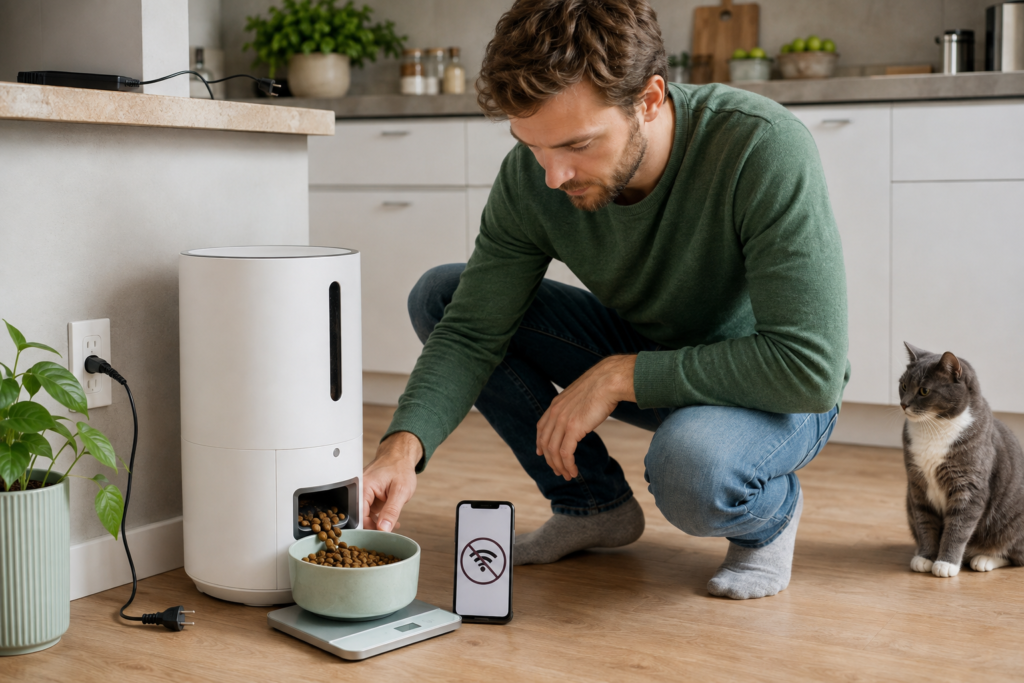
If you are testing a non-Wi-Fi feeder, confirm that you can program the feeding time and portion directly on the device without using an app or internet connection. Run several scheduled meals and verify that the settings remain correct after the feeder is turned off and restarted according to the manufacturer’s instructions.
Step 3: Test Wi-Fi loss separately
Schedule a small meal for approximately 10–15 minutes later. Then temporarily disconnect the feeder from Wi-Fi without removing its power.
Observe whether:
- The meal dispenses at the correct time
- The correct amount reaches the bowl
- The feeder displays an offline indicator
- The physical feed button still works
- App controls and alerts become unavailable
- Feeding records appear after reconnection
Step 4: Test mains power loss
Restore Wi-Fi, install or charge the approved backup power, and schedule another small test meal. Disconnect the mains adapter while remaining beside the feeder.
Confirm that:
- The feeder switches to backup power
- Its clock and schedule remain correct
- The display or status light shows the expected condition
- The scheduled meal dispenses completely
- Any reduced functions match the manual
Step 5: Reconnect and inspect
Restore the normal power and internet connection. Confirm that the feeder reconnects, maintains its schedule, and reports the expected feeding record.
Testing one successful cycle is helpful, but test several cycles before relying on the feeder during an absence. If the feeder fails to release food even with power and correct programming, use our guide to diagnose an automatic pet feeder that is not dispensing food.
Automatic Feeder Outage Checklist
Use this checklist before relying on an automatic feeder:
- The schedule has been saved and checked on the device.
- The feeder’s clock and time zone are correct.
- The actual output has been weighed or measured.
- The food matches the manufacturer’s size and type requirements.
- The feeder has completed several successful scheduled cycles.
- Offline Wi-Fi operation has been tested.
- Any app or internet requirements for setup and schedule changes are understood.
- The manufacturer’s official service-status or support page is bookmarked or easy to access.
- Backup-power operation has been tested.
- Batteries are fresh, charged, and approved for the model.
- The hopper contains enough food without being overfilled.
- The bowl, chute, and sensors are clean and dry.
- A person can physically check the pet and feeder.
- Written feeding and emergency instructions are available.
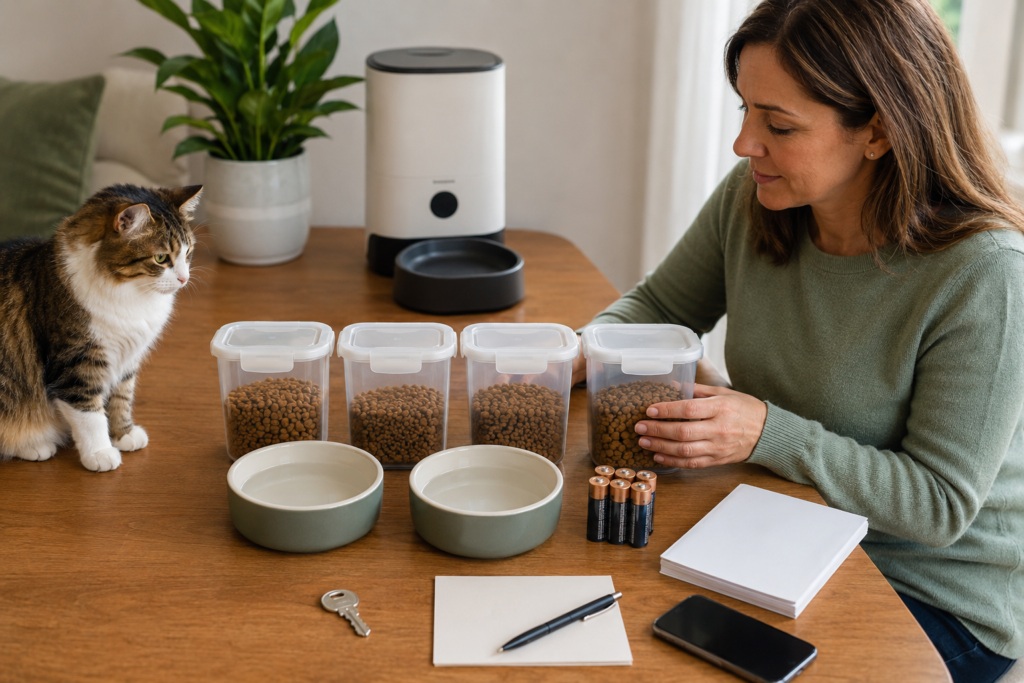
What to Check Before Leaving Home
An automatic feeder is a support tool, not a substitute for animal care or emergency planning. It cannot confirm every aspect of your pet’s well-being, replenish water, clean litter, recognize all signs of illness, or resolve a mechanical failure by itself.
Before traveling or leaving a pet for an extended period:
- Arrange a trusted person who can enter the home.
- Show that person how to dispense food manually.
- Leave measured backup food and clear written instructions.
- Provide your contact information and veterinary details.
- Ensure adequate fresh water is available through more than one source.
- Explain how to recognize feeder error lights or sounds.
- Keep the feeder’s manual and necessary batteries accessible.
- Ask the caregiver to verify that food reached the bowl and the pet actually ate.
The Humane World for Animals emergency-planning guide recommends choosing a trusted backup caretaker who knows the pet’s feeding and medication schedule, location, and habits. The ASPCA disaster-preparedness checklist also recommends maintaining emergency food, feeding dishes, and water bowls.
For a fuller discussion of supervision and travel limitations, read can you leave a cat alone with an automatic feeder?.
When an Automatic Feeder Should Not Be the Only Feeding Plan
Extra caution is appropriate when a pet:
- Requires medication with meals
- Has diabetes or another condition requiring precise timing
- Eats prescription food
- Has recently shown appetite changes
- Has a history of vomiting or refusing meals
- Needs refrigerated or specially handled food
- Is very young, elderly, or medically vulnerable
- Shares the home with another pet that may steal food
In these situations, follow your veterinarian’s feeding instructions and arrange appropriate human supervision. Technology can assist with consistency, but it should not override an individual care plan.
How to Reduce the Risk of Missed Meals
No feeder can offer zero risk, but owners can reduce preventable failures.
Choose local schedule storage
Look for an explicit manufacturer statement that saved schedules run on the device when Wi-Fi or the app is unavailable. Do not rely only on retailer descriptions.
Prefer dual-power operation
A mains adapter plus a tested battery backup provides protection against a single power-source failure. Check whether backup batteries run the entire feeder or only preserve settings.
Keep the feeder maintained
Clean food-contact parts and remove crumbs from the dispensing path. Follow the manufacturer’s instructions for sensors and electronic components. Our automatic pet feeder cleaning guide covers the main maintenance steps.
Recheck after changes
Test the feeder again after:
- Changing the food brand, shape, or kibble size
- Updating the feeder’s firmware or app
- Replacing the router
- Changing the schedule
- Moving the feeder
- Replacing batteries
- Experiencing an outage or dispensing failure
Verify physical feeding
An app message may confirm that a command was issued or a motor cycle occurred; it may not prove that the intended portion reached the bowl or that the pet ate it. Physical confirmation remains important.
Frequently Asked Questions
Will an automatic cat feeder work without Wi-Fi?
Many models continue previously saved schedules without Wi-Fi, but this is not universal. The feeder must store the schedule locally and still have power. App controls, alerts, cameras, and data syncing may stop until Wi-Fi returns.
Can an Automatic Pet Feeder Work Without Internet or Wi-Fi?
Yes, depending on the model. A non-Wi-Fi feeder can operate without internet access when its schedule is programmed directly on the device. Some Wi-Fi feeders can also continue previously saved schedules during an internet outage if those schedules are stored locally. App controls, remote changes, alerts, cameras, and cloud-based features may remain unavailable until the connection returns.
Can an Automatic Pet Feeder Without Wi-Fi Work During a Power Outage?
Only if it has a functioning backup power source capable of operating the required feeding mechanism. Check the approved battery type, expected duration, and feature limitations for the exact model.
Are automatic-feeder schedules stored in the feeder?
Some feeders store schedules locally, while others may depend more heavily on an app or online service. Verify this in the manufacturer’s manual or official support documentation.
Can an Automatic Feeder Work Without Wi-Fi or an App?
Some feeders have on-device programming controls or a physical manual-feed button. Others require the app for setup and schedule changes. The available offline controls vary by model.
Do automatic feeders reset after losing power?
Some retain their clock and schedule, while others require one or both to be checked or reprogrammed. Always verify the time, portions, and feeding schedule after an outage.
How long do backup batteries last in an automatic feeder?
There is no universal duration. It depends on the feeder, battery type, daily use, and enabled features. Use the manufacturer’s model-specific estimate and test the backup rather than treating the estimate as a guarantee.
Is a non-Wi-Fi feeder more reliable?
It avoids internet, app, and server dependencies, but it can still experience dead batteries, incorrect programming, jams, or mechanical failure. Reliability depends more on the design, maintenance, and testing than on Wi-Fi alone.
Should I depend on an automatic feeder while travelling?
An automatic feeder can support a travel feeding plan, but it should not replace a person who can check the pet, food, water, litter area, and feeder. Always arrange an accessible backup caregiver.
Final Recap
An automatic pet feeder can work without Wi-Fi in two different ways. A non-Wi-Fi feeder is designed to run scheduled meals without an internet connection, while some Wi-Fi feeders can continue previously saved schedules when connectivity is lost. In either case, the feeder still needs a suitable power source, and offline capabilities vary by model.
The most important steps are simple:
- Verify the exact model’s offline behavior.
- Test Wi-Fi loss and power loss separately.
- Use fresh or fully charged approved backup batteries.
- Confirm that food physically reaches the bowl.
- Recheck the clock and schedule after an outage.
- Keep measured backup food and arrange a trusted caregiver.
Automatic feeders can make meal timing more consistent, but dependable pet care still requires testing, maintenance, and a human backup plan.
Authoritative References
- PETLIBRO Feeder FAQ—offline schedules and feeder support
- PetSafe Smart Feed Automatic Pet Feeder Is Offline
- PetSafe Smart Feed—power and battery specifications
- PETLIBRO Granary 2 Series—backup battery information
- PETLIBRO Polar Wet Food Feeder—power-outage protection
- PETLIBRO—official August 2026 outage update
- PETLIBRO Service Status—August 2026 app and device updates
- The Verge—reporting on the August 2026 smart-feeder outage
- Humane World for Animals—pet disaster preparedness and backup caretaker
- ASPCA—disaster preparedness for pets